

| © Copyright 2023 Terrainium Pty Ltd and Tasmanian Multisport Adventures Pty Ltd | |


[Updated 09/01/2023]
The event maps are available for use on a smartphone using the Avenza Maps app.
It runs on Android or iOS (iPhones & iPads) and lets you display the event map in detail and see exactly
where you are on it.
You don’t need to be within mobile phone range to use the map as it’s stored locally.
This will be invaluable in an emergency or if you are just unsure of your location on the course
Disclaimer:
These maps may be of assistance to you there is no guarantee that the data is without flaw of any kind or is wholly appropriate for your particular purposes. Oscars100, Terrainium and Vicmaps disclaim all liability for any error, loss or consequences which may arise from your relying on any information contained in this material. Downloading these maps indicates your agreement to these terms.
Acknowledgments:
Contains Vicmap information © The State of Victoria, Department of Environment, Land, Water & Planning, 2015 reproduced by permission of the Department of Environment, Land, Water & Planning. Route information has been derived from original various runner GPX files and Google Earth.
Explore the Routes
Event Maps on the Avenza Maps App

The event map is FREE to download for use on a smartphone using the Avenza Maps app. The app is available for iOS and Android devices and lets you display the event route in detail and lets you see your exact location on the route. This will be invaluable to support your training activity prior to course marking and importantly provide your precise coordinate and relative track location in an emergency.
The map is stored locally on your phone and can be used offline when not in mobile phone range or when you are conserving battery in aeroplane mode.
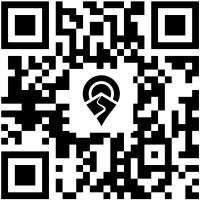
To load the map, simply scan the QR code with your phone and the map will load. If you don’t have the Avenza app installed, you will be automatically directed to the appropriate Store to install it and then the map download will proceed.
You can also just tap on the QR code and the Avenza app will open and load the map.
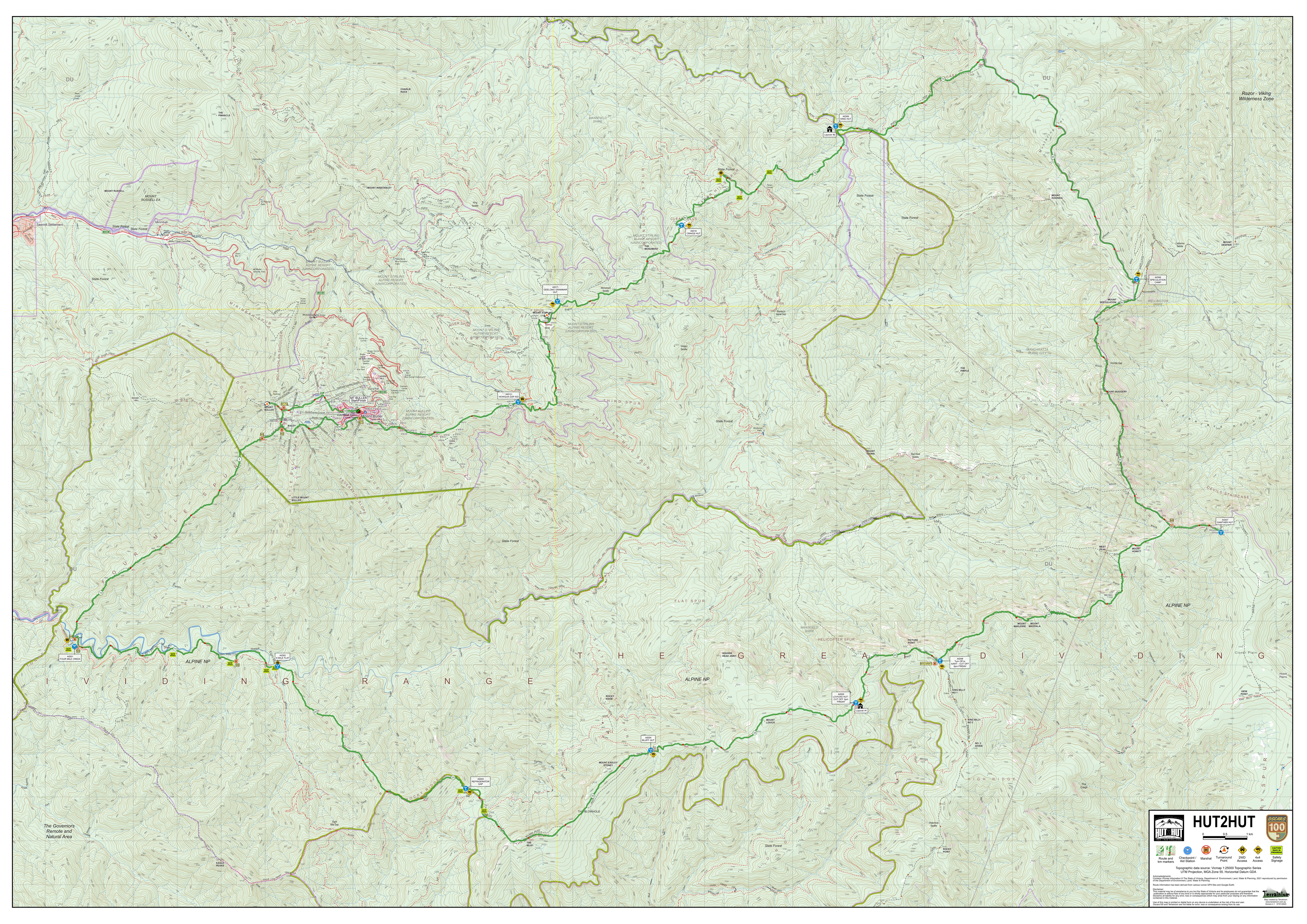
HUT2HUT
Scan or tap this QR code on your phone.

Click here to download a PDF FILE OF THE MAP for viewing offline or printing parts of the map.
Click here to download the GPX File of the route.
Click anywhere on the map below to show a high resolution map.
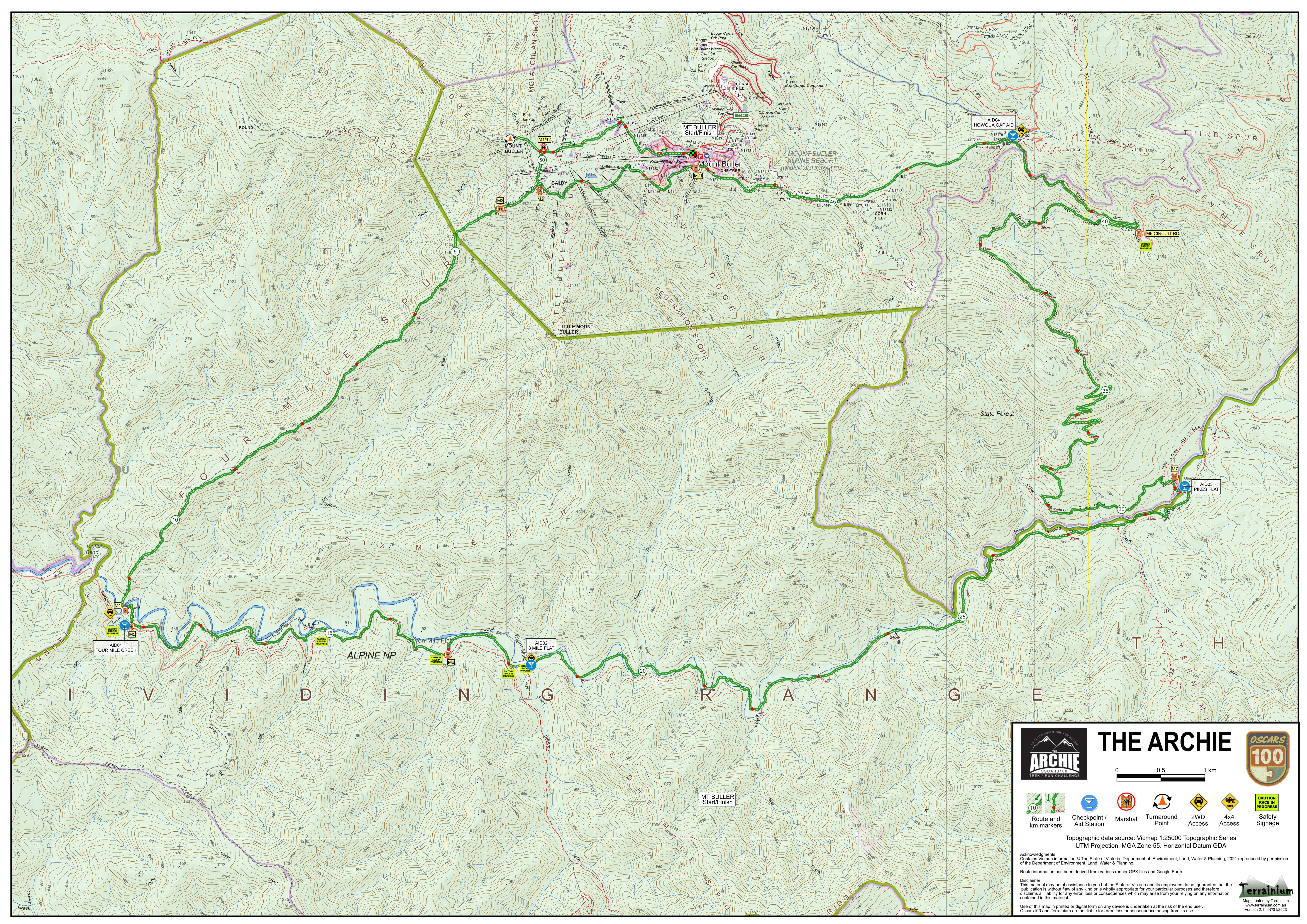
The Archie
Scan or tap this QR code on your phone.

Click here to download a PDF FILE OF THE MAP for viewing offline or printing parts of the map.
Click here to download the GPX File of the route.
Click anywhere on the map below to show a high resolution map.
Any problems …
For help using Avenza Maps, check out the Support Page. If all else fails and you need assistance to install Avenza Maps or loading the maps, please send a quick email to Graham Field and include a contact phone number.